Large lecture halls
Three hundred students, one tap. Open the session from the lectern and the register fills itself while you start the slides.
The ultimate lecturer's toolkit: ditch the paper sheets. Attender automates your scheduling, notifies your students of their class activities, and generates reports in one click.
Your school's email domain must be registered with us. Not yet on the list? Ask us to add it.
Tap a student on the map to check them in.
Range
0 of 9 present
Attendance is open. Every enrolled student was notified, on the web and in the app.
Attendance is open. Every enrolled student was notified, on the web and in the app.
Use cases
A lecture hall, a lab bench, a field site, an exam room: the same two taps open and close the register, and the record comes out the same shape every time.
Three hundred students, one tap. Open the session from the lectern and the register fills itself while you start the slides.
Set the range to the bench area so the corridor does not count. Close with what the group covered, and absentees get it.
Open attendance wherever the class actually is. The geofence follows your position, not a timetabled room.
A verified presence record for every seat, timestamped and exportable when the board asks for it.
Invite by link for a guest lecture or departmental seminar. No enrolment, no spreadsheet afterwards.
The same session model outside teaching: CPD sessions, inductions, and workshops all report the same way.
What you get
The first ten minutes of the lecture, the spreadsheet afterwards, and the students who quietly fell behind.
Open a session at your position and set the range, 1 metre or 100. Anyone outside it is recorded absent, automatically.
The moment you open attendance, every enrolled student is notified in Attender, on the web and on their phone. No shouting over the room.
Close the session with a summary of what you covered, and the students who missed it receive it straight away.
Add students one by one, or upload the class list as a CSV. They join through a link and land on their own dashboard.
Attendance rates per course, per student, over time, with the full matrix exportable as CSV whenever you need it.
Students choose it in their own settings. When you open attendance, they check in with their own camera, matched only against their own face, and still inside your range. It writes to the same session as a tap, so nothing about your reports changes.
Guide
Eight steps, recorded from the real app. Scroll and each one plays in turn: the lecturer on the left, the student's phone beside it.
Mobile app
The same Attender, in your pocket: students get a notification the moment a class opens and check in with one tap, and lecturers run the register from the lectern.
No need to wait. Lecturers and students can already do everything on the web, including checking in from inside the room, with the same screens as the app. Your account works in both.
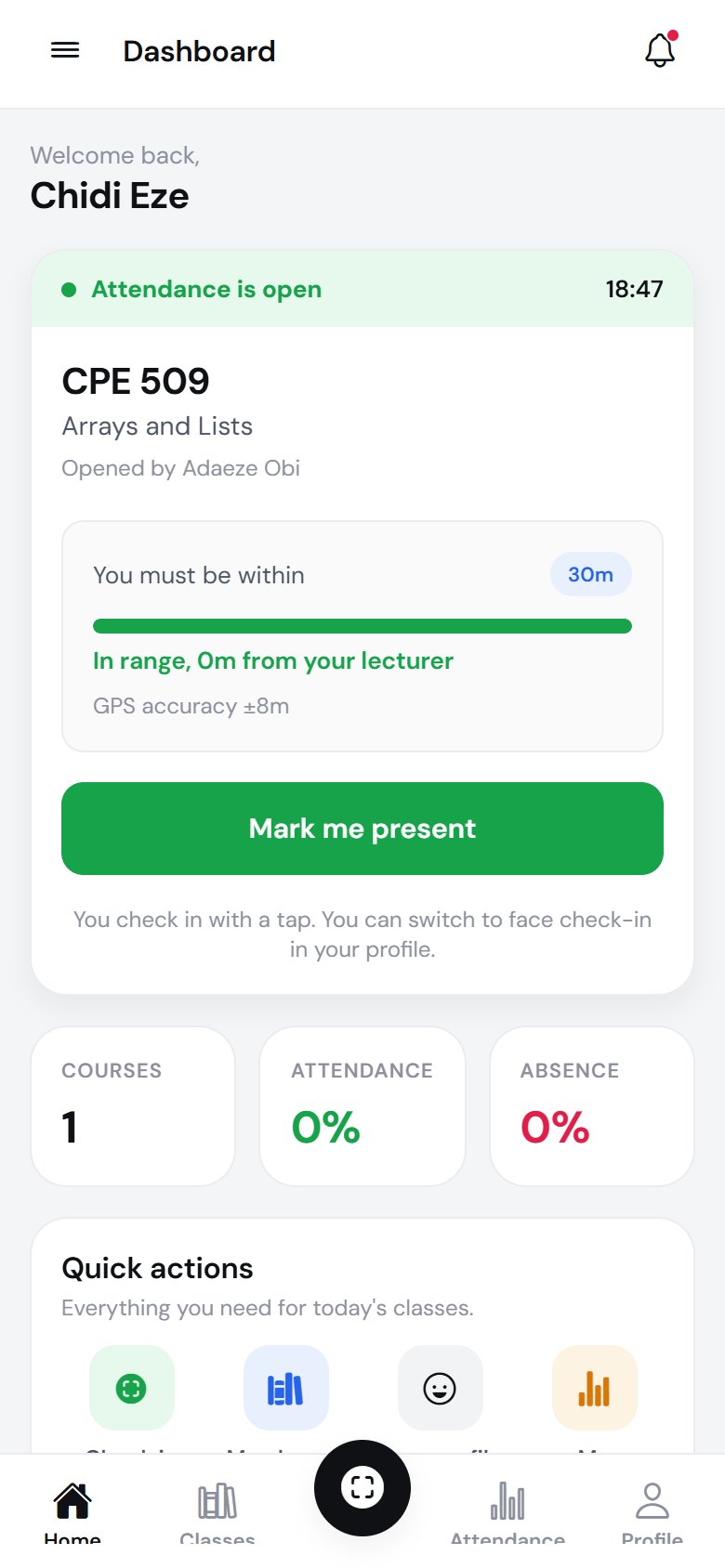
A class opens: check in from inside the room
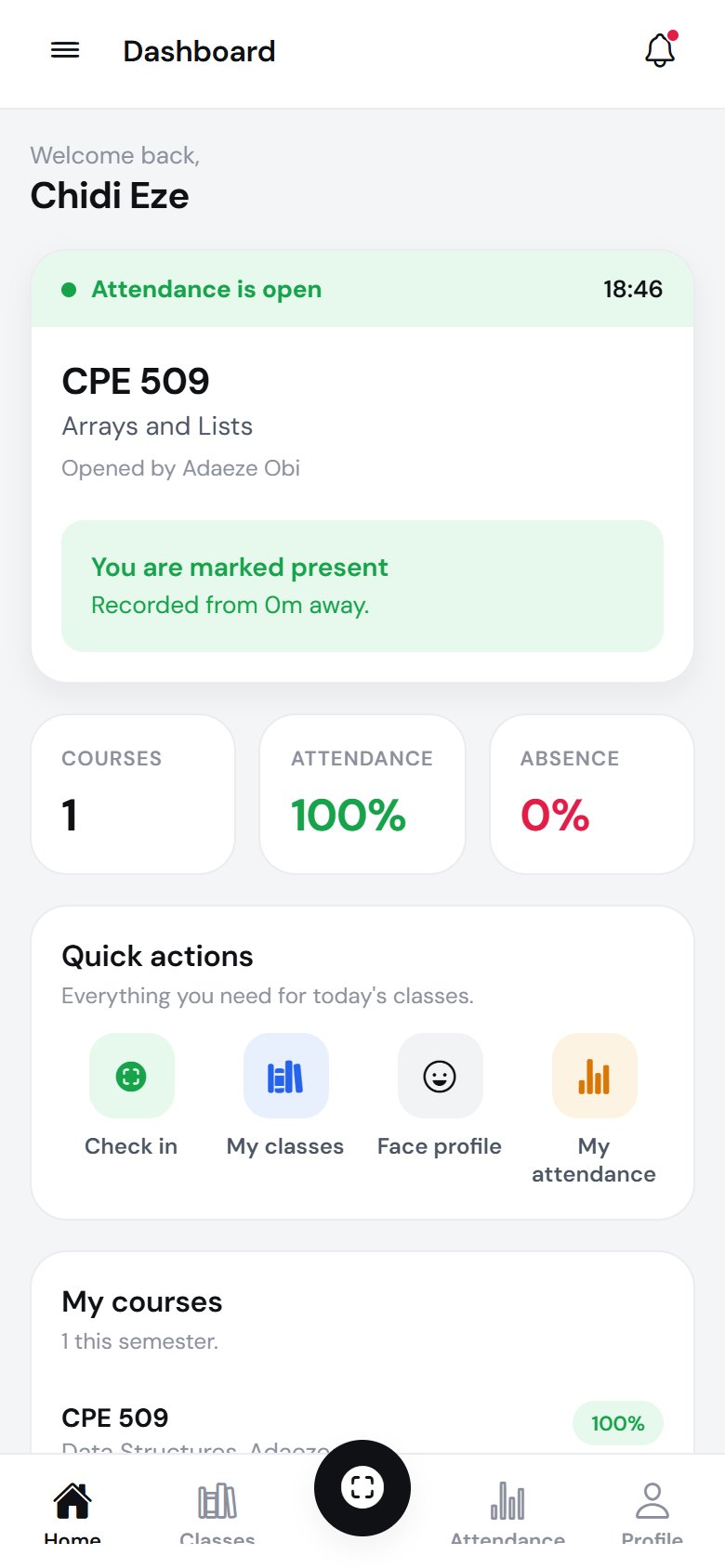
Marked present, with the distance recorded
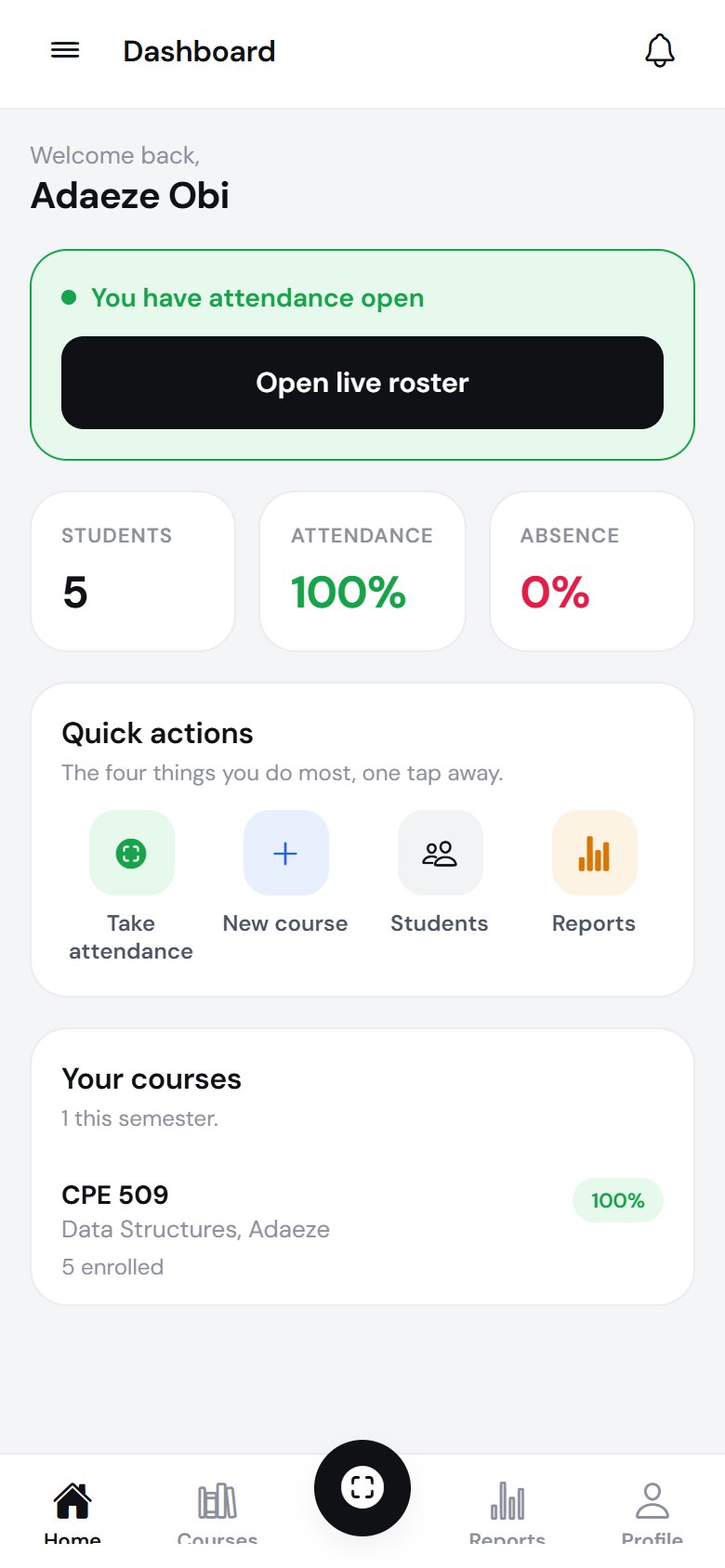
Your dashboard, with the live session up top
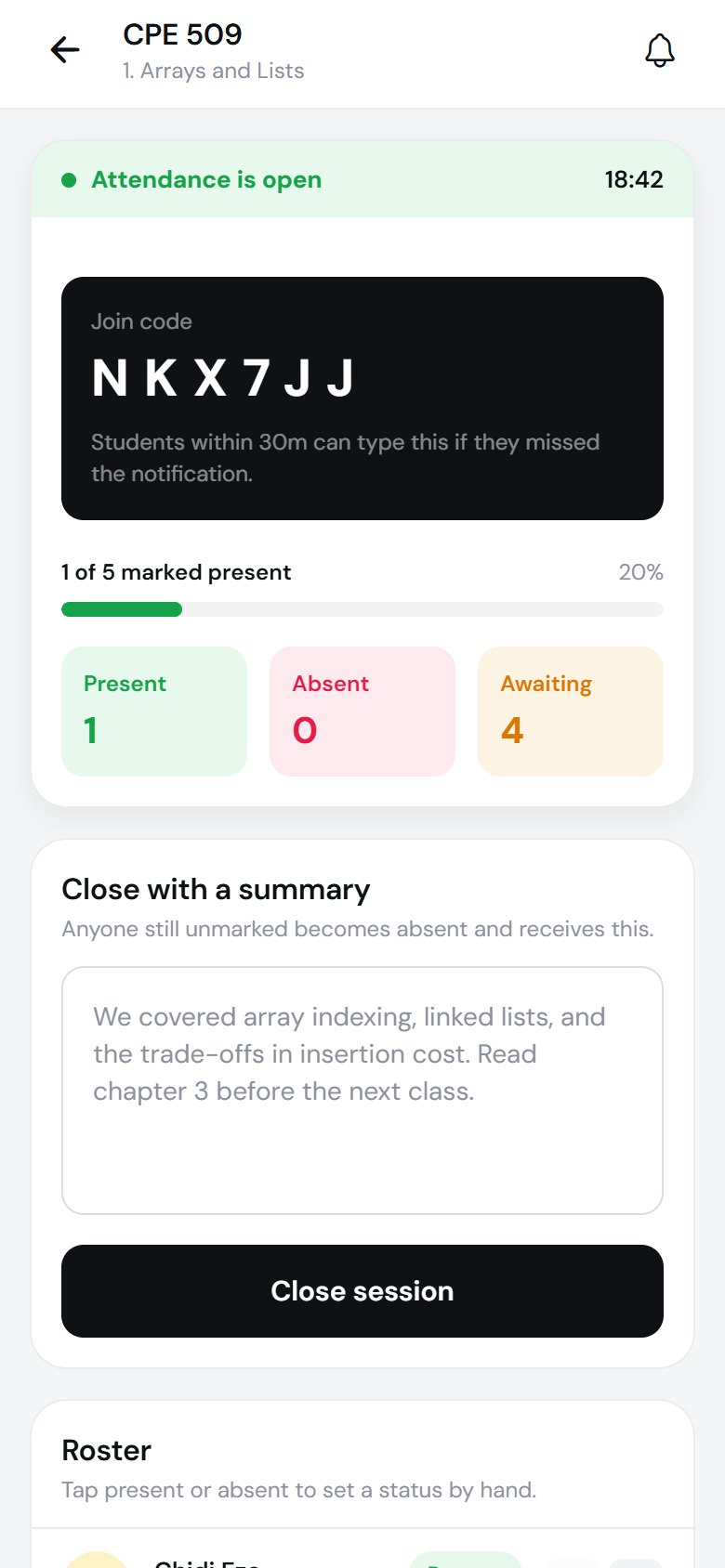
The live roster fills while you teach
Pricing
Run a course on it for a term at no cost. Departments and institutions are priced per rollout: tell us the size and we will quote it.
Free
For a single lecturer trying it on one course.
Talk to us
For a department rolling it out across its courses.
Custom
For a school standardising on one attendance record.
No. Attendance is checked against the position you opened the session at, inside the range you set. A phone outside that circle cannot be marked present, and anyone still outside when you close the session is recorded absent.
They do not sign up themselves. You invite them from a course, one at a time or as a CSV of the class list, and they accept through the link, set a password, and land on their own dashboard.
Accounts are tied to institutions, so your school's email domain has to be registered with us before a lecturer account can be created. If yours is not on the list yet, ask us and we will add it.
When you close a session you write a short summary of what you covered. Everyone recorded absent receives it, so they know exactly what to catch up on.
No, for anyone. Each student chooses in their settings, on the web or in the app, whether to check in with a tap or with their own camera, can switch back at any time, and deleting their face profile puts them back on the tap. Your institution chooses whether to enable recognition at all. What is stored is a set of numbers, not a photograph, and it cannot be turned back into one.
No. Students can sign in on the web and do everything the app does: check in from inside your range, by tap or with their own camera, see their record, and read the summaries of classes they missed. The app is coming to the App Store and Google Play, and the same account works in both.
Yes. Every course exports the full attendance matrix as CSV, per student, per lecture, whenever you need it for a report or an audit.
Create a course, invite your class, and open attendance. It takes about five minutes.